
windows-headless Alpha: An SSH-ready Windows 11 VM from a Retail ISO
windows-headless provisions a headless Windows 11 VM from a retail ISO: unattended setup, portable QEMU, SSH when ready, golden snapshots on every run.
On this page
windows-headless (opens in new tab) is in alpha: turn a Microsoft retail ISO into an SSH-ready Windows 11 VM, headless, with no daemon, no GUI, no host packages, and no Docker. Also published on crates.io (opens in new tab) . Source: jzombie/windows-headless (opens in new tab) .
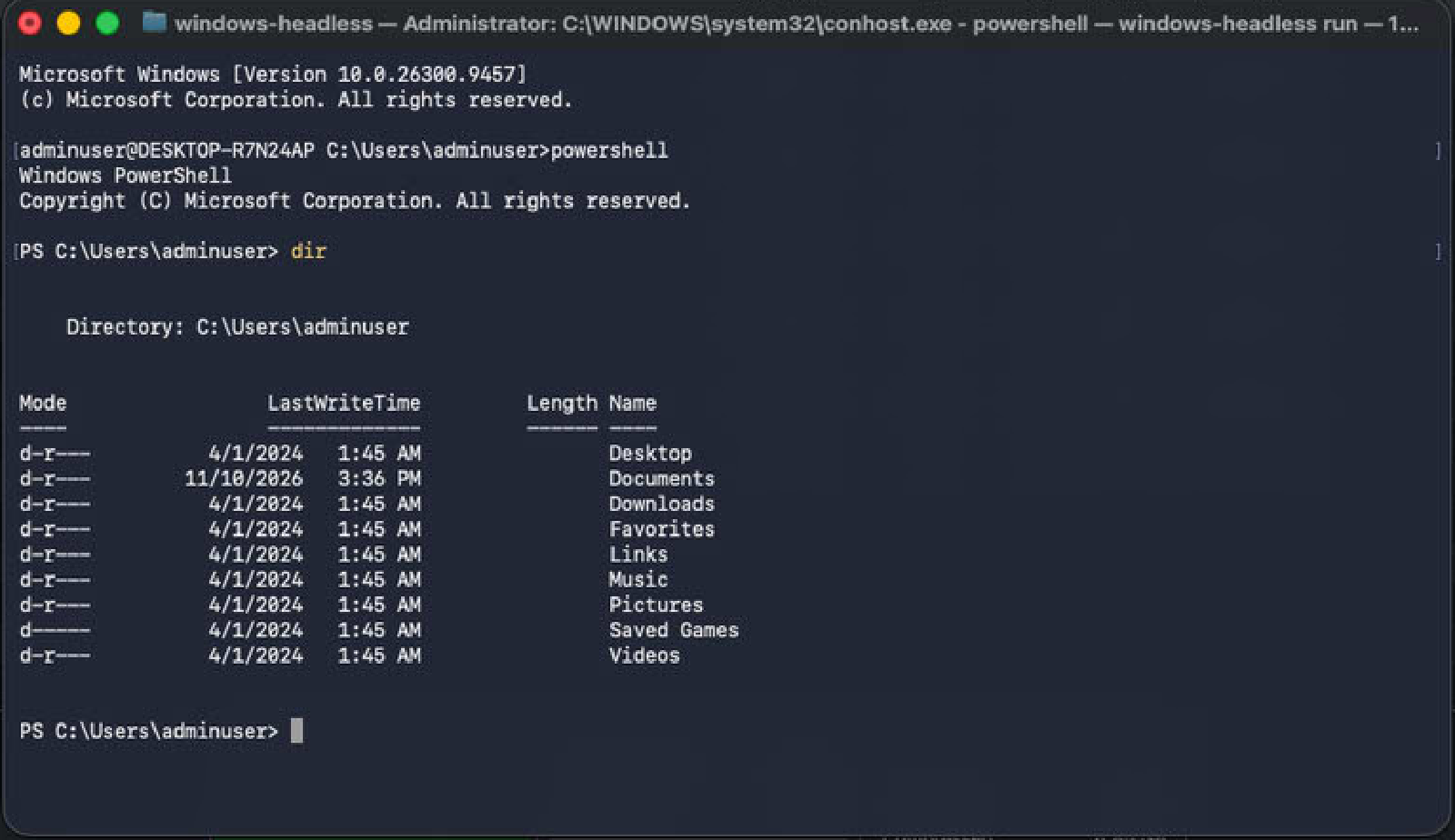
Right now this is a tool for Rust (opens in new tab) users on macOS or Linux: developers who need to compile for Windows locally or debug Windows behavior without leaving their machine. If that is you, the pitch is simple. Input: a retail ISO ( amd64 (opens in new tab) or arm64 (opens in new tab) , matching your host). Output: an SSH shell running Windows 11. The installer runs unattended inside an in-process QEMU guest, and the CLI drops you into the guest shell once SSH is reachable.
Distribution is source-only for now. There are no prebuilt binaries to download; you build it yourself with Cargo (opens in new tab) (details below).
Setup and run
Prerequisites
- Host: macOS on Apple Silicon, or Linux on amd64 or arm64. Intel Macs are unsupported; Windows hosts are untested.
- A retail Windows 11 ISO for your host arch (
ARM Windows (opens in new tab)
on Apple Silicon,
x64 Windows (opens in new tab)
on x64 Linux). Only
en-USmedia is tested. - A Rust toolchain (opens in new tab) . Everything else downloads on first run.
Install the tool
Clone first. Running from the checkout keeps the whole cache (VM disk, snapshots, screenshots, installer media) in ./.cache, gitignored where it is easy to watch.
git clone https://github.com/jzombie/windows-headless
cd windows-headless
From the Cargo registry instead:
cargo install windows-headless, then substitutewindows-headlessforcargo run --release --in the commands below. Installed runs fall back to the OS user cache instead of./.cache.
Run
Build the installer, boot the VM, and drop into the guest shell over SSH (always release; debug builds slow every status tick):
cargo run --release -- run --win-iso <PATH_TO_WIN_ISO>
Or split the phases (build once, boot on demand):
cargo run --release -- build --win-iso <PATH_TO_WIN_ISO>
cargo run --release -- run
Sizing takes Docker-style flags (--memory, --cpus, --disk-size). When SSH is reachable, the CLI drops you into the guest shell in the same terminal. VNC is available for watching. Requires a Rust toolchain. Nothing prebuilt is published yet, so the commands above build from source. Remaining dependencies download automatically on first run and execute from the cache.
What you get
A real VM, provisioned in process:
- Unattended install. The tool builds installer media from your ISO (answer file selects the Windows 11 Pro image,
en-US) and boots it. The first install takes a while: typical time to SSH on macOS is 10 to 15 minutes from first boot, with outliers to 18. Later boots rewind to the golden snapshot and reach SSH in seconds. - No virtual TPM. The answer file sets
LabConfigbypasses for the TPM 2.0, Secure Boot, RAM, CPU, and disk checks, so Setup proceeds with noswtpmto configure. - Portable hypervisor. QEMU, wimlib, and the virtio-win driver pack come from
lab-qemu-portable (opens in new tab)
as zero-install archives, SHA-256 verified against pins in
src/pins.rs. The host stays clean. - One driver, automatic. The specialize pass installs the Red Hat VirtIO NetKVM driver so the guest gets network, hence SSH. Storage stays on inbox NVMe (
stornvme), graphics onramfb. No driver hunting. - Library surface. Thin CLI over exported
VmConfig,HeadlessVmBuilder, andDiskManagerif you want to drive it programmatically.
Watching a headless install
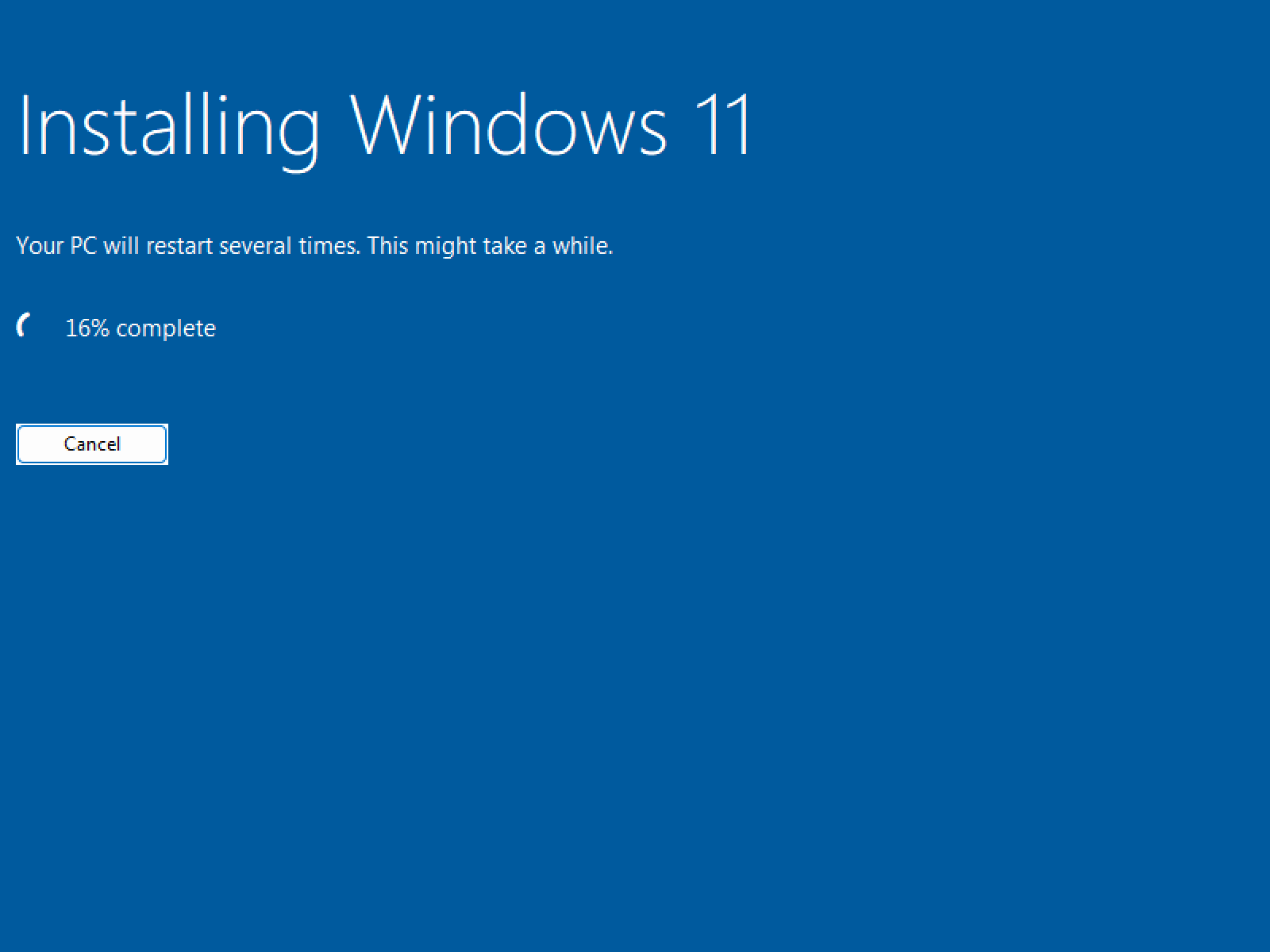
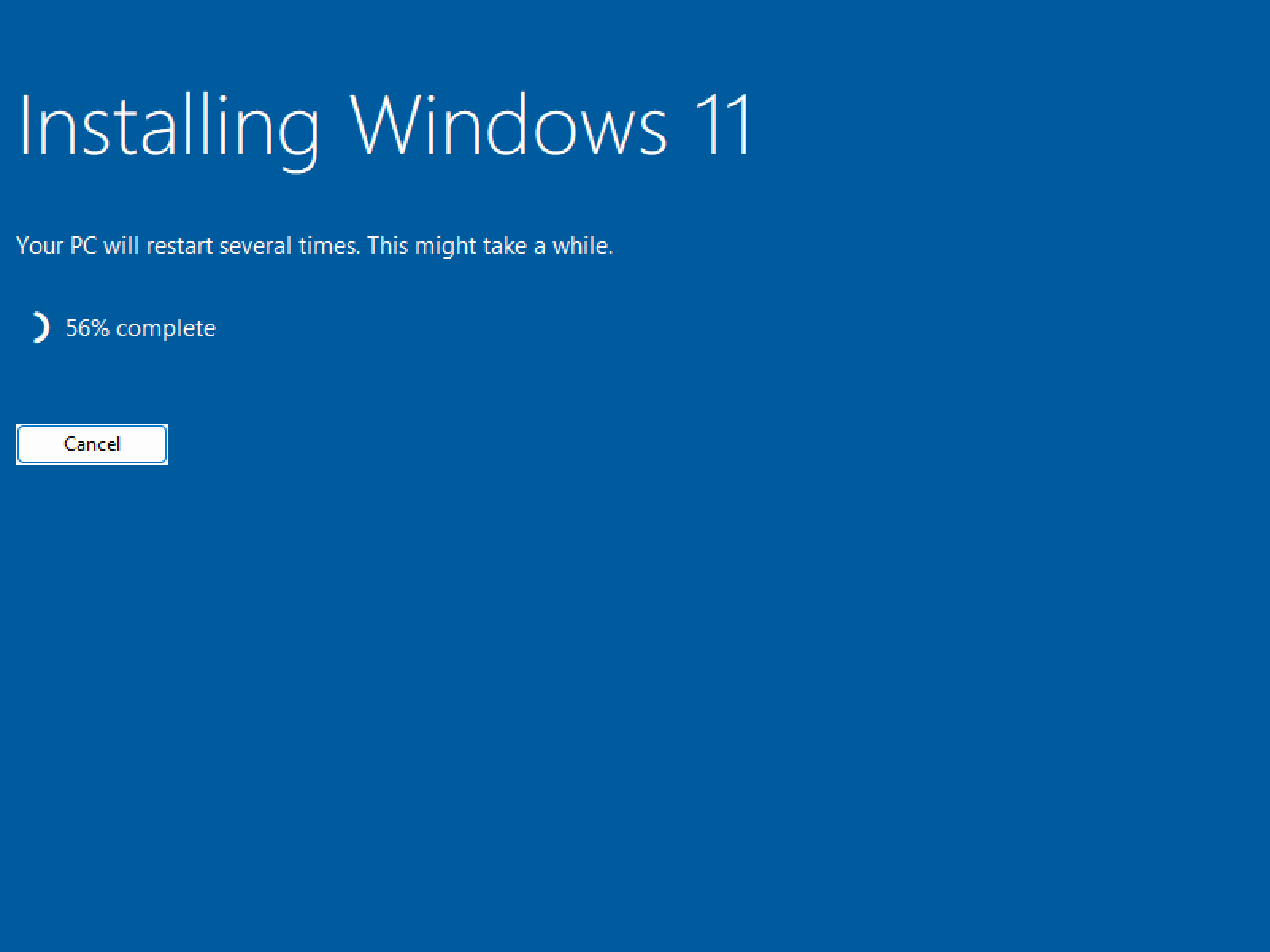
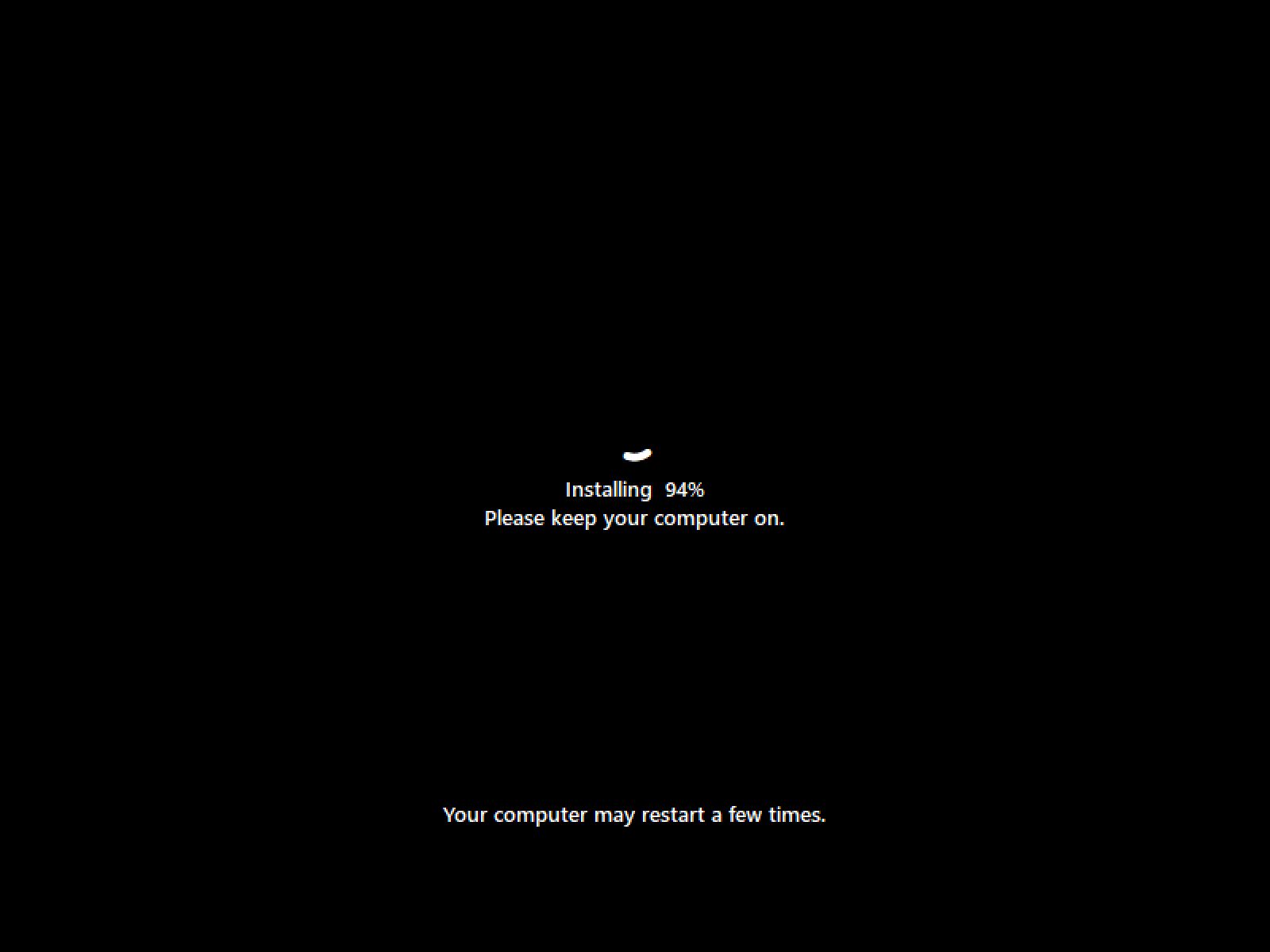
Headless does not mean blind. During the install phase only, screenshots land in <cache>/vms/win11/screenshots/ every 60 seconds, and an in-memory classifier labels frames between saves (installer progress, OOBE, firmware boot art, lock/idle, plus error states like modal dialogs, UEFI shell, and recovery). Capture stops once the install completes.
Setup walks through installer progress unattended:
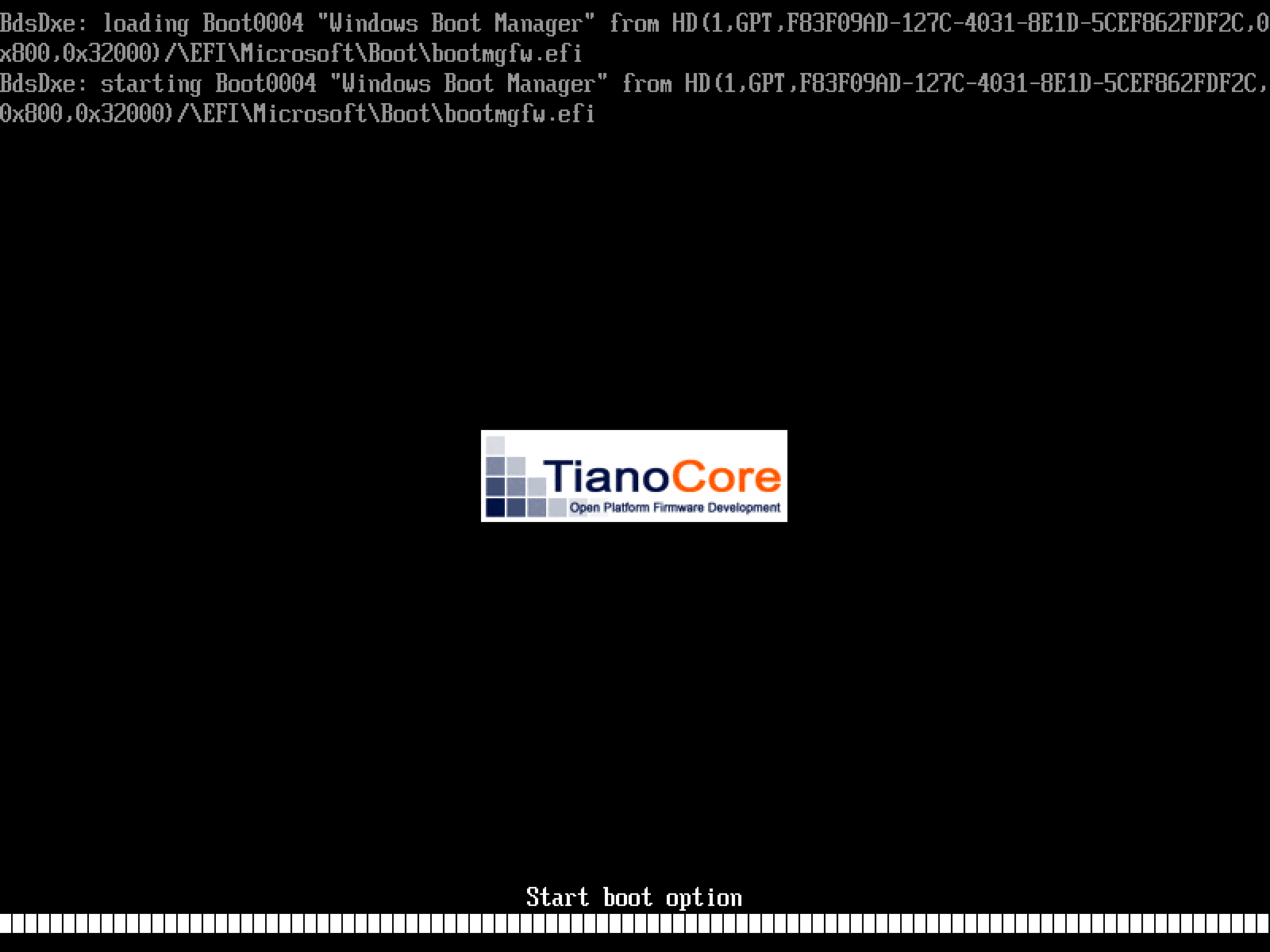
Then a reboot through TianoCore firmware, ending at the lock screen that means the guest is up and SSH is reachable:

Two caveats, stated plainly in the README (opens in new tab) : the kNN classifier can misread, and alerts only fire on error state plus an idle guest (no disk I/O, no growth). Pixel-change motion sensing tracks aliveness independently, and dead boots terminate with a diagnosis block naming the latest frame, screen state, last serial line, and firmware reboot count.
Snapshots: golden rewind by default
The first proven boot saves a golden snapshot automatically. Every later run rewinds to it first, so a dirty stop (Ctrl-C) cannot leave the next boot in Recovery. One snapshot at a time: the QMP control channel admits a single client.
# Terminal 1: boot and leave it running (you land in the guest shell).
cargo run --release -- run
# Terminal 2: re-take golden from the running guest. Next run resumes the new state.
cargo run --release -- snapshot
Live resume, experimental
Live snapshots also save the guest’s RAM contents to a file beside the disk, so resume restores the running machine with no boot. Apple Silicon with cache on external USB tends to favor rewind (about 19s spawn-to-SSH versus about 23s live in the README’s comparison). Older Intel i7 machines with internal SSDs tend to favor live. Both types coexist as separate sidecars, and run selects by flag. Benchmark both on your hardware and default to rewind unless live measures faster.
Alpha status and tested surface
Status is alpha, with a clear split: rock solid and performant on macOS Apple Silicon (M1+), working on Linux amd64 and arm64, with older circa-2015 Intel Linux hosts occasionally struggling at the initial SSH handoff. Intel Macs are unsupported. Windows hosts are untested ( the portable tree (opens in new tab) ships a Windows QEMU build, but the install path there is unexercised).
Proven installs are logged to
tested-isos.jsonl (opens in new tab)
with a Tested table in the README covering macOS HVF, Linux KVM, and TCG fallback runs. Untested by design: non-English media, non-retail ISOs (Enterprise, OEM), mixed arch guests (x64 Windows on ARM hosts), and cross-arch TCG in general.
The standing advice for bug reports: use all defaults for the first install. A green default install separates pipeline faults from configuration faults. Then tune, then file issues with logs.
Repo:
jzombie/windows-headless (opens in new tab)
. Get it with cargo install windows-headless, or clone and run: git clone https://github.com/jzombie/windows-headless && cd windows-headless && cargo run --release -- run --win-iso <PATH_TO_WIN_ISO>. Issues and run reports:
github.com/jzombie/windows-headless/issues (opens in new tab)
. Dependency layer:
lab-qemu-portable (opens in new tab)
.